

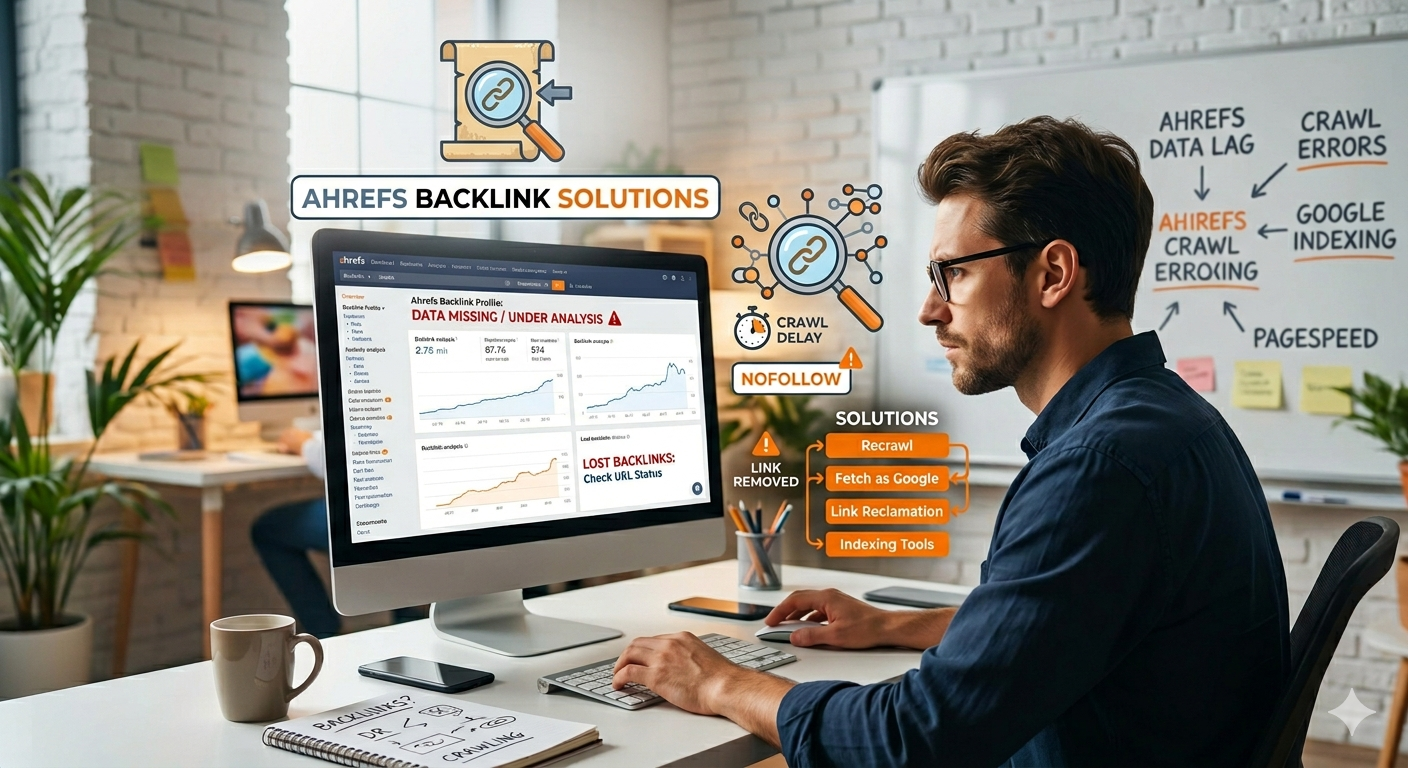
You put hard work into earning a new backlink, only to open Ahrefs and find it missing from your report. This situation frustrates many site owners. Backlinks act as votes of confidence for your website, helping search engines understand your authority. Tracking them is a core part of SEO. However, when a link does not appear in Ahrefs, it usually points to a technical barrier or a simple delay rather than a lost link.
Thank you for reading this post, don't forget to subscribe!We will break down exactly why your links hide from Ahrefs and show you how to troubleshoot the problem.
Common Reasons Your Backlinks Do Not Appear
Ahrefs uses its own bots to crawl the web. These bots operate differently than Google. If your link is missing, one of these seven issues is likely the cause:
1. Crawl Lag
Ahrefs cannot crawl the entire internet instantly. The tool prioritizes high-authority pages and frequently updated sites. If your link lives on a new or low-traffic blog, Ahrefs might take several weeks to find it.
2. Robots.txt Blocking
Website owners can use their robots.txt file to block specific bots from crawling their site to save server resources. If a site blocks AhrefsBot, the tool will never see your backlink, even if the link works perfectly.
3. Noindex Tags
When a page has a noindex tag, it tells search engines to ignore it. Ahrefs often drops links from noindex pages because these pages generally do not pass SEO value.
4. JavaScript Rendering
Many modern sites build pages dynamically using JavaScript. Ahrefs mostly crawls plain HTML to save resources. If your link relies on JavaScript to load, the Ahrefs crawler might miss it entirely.
5. Canonicalization Issues
If your link appears on a duplicate version of a page, the site owner might use a canonical tag pointing to the main version. Ahrefs assigns the signals to the main URL. If your link is not on that primary page, it may not register.
6. Low Page Authority
Pages buried deep within a website or lacking internal links receive very low crawl priority. Ahrefs might visit these pages only once every few months.
7. Dashboard Filters
Sometimes the link is in the system, but your Ahrefs settings hide it. If you filter your view to show only “Dofollow” links, you will miss “Nofollow” or “Sponsored” links.
Summary of Reasons and Solutions
| Reason | Why It Happens | How to Fix It |
| Crawl Lag | Ahrefs has not visited the page yet. | Wait 2-4 weeks or build internal links to the page. |
| Robots.txt Block | The site owner blocks AhrefsBot. | None. Google still counts it if they crawl it. |
| Noindex Tags | The page is hidden from search. | Ask the site owner to remove the tag if placed by mistake. |
| JavaScript Links | Link loads after the HTML. | Check page source. Google may still count it. |
| Canonical Issues | Link is on a duplicate URL. | Check if the main canonical page includes your link. |
| Low Authority | Page is low priority for crawlers. | Share the link socially to encourage crawling. |
| Dashboard Filters | User interface settings hide the link. | Clear all filters and check the “Historical” index. |
Step-by-Step Troubleshooting Guide
Follow these steps to find out why your backlink is missing:
Step 1: Verify the link manually.
Open the exact URL where your backlink lives. Right-click the page, select “View Page Source,” and search for your domain. Confirm the link is present in the raw HTML.
Step 2: Check the site’s robots.txt file.
Type robots.txt at the end of the referring website’s root domain (e.g., example.com/robots.txt). Search for AhrefsBot. If you see a Disallow rule next to it, Ahrefs cannot crawl the site.
Step 3: Look for indexability.
Paste the URL of the referring page into Google using the site: operator (e.g., site:example.com/page). If the page shows up in Google, the search engine knows about it. Next, check the page source for <meta name=”robots” content=”noindex”>.
Step 4: Adjust your Ahrefs settings.
Open your Ahrefs dashboard. Change your view from “Live” to “All” or “Historical.” Remove any filters for Domain Rating, link type, or language.
Best Practices for Visible Backlinks
To ensure your link building efforts show up in your reporting tools, keep these practices in mind:
- Target indexable pages: Build links on pages that search engines actually want to index. Avoid gated content, login pages, or temporary landing pages.
- Focus on plain HTML: Secure links placed directly in the main body text of an article. Avoid links hidden in complex widgets or dynamic elements.
- Prioritize active sites: Links on websites that publish regularly get crawled much faster than links on abandoned blogs.
Conclusion
Ahrefs is a powerful tool, but it provides a sample of the web, not the complete picture. Missing backlinks in Ahrefs do not mean your SEO efforts failed. If a backlink exists on a live, indexable page, Google will likely find it and count it toward your rankings. Use Ahrefs to guide your strategy, but remember that search engines make the final call on your website’s authority. Keep focusing on securing high-quality links that drive real traffic to your site.


Comments are closed